ByeCut
Features
AI video editing features that save you hours
ByeCut combines AI editing built for talking-head video with a full, free timeline editor on iPhone.
AI Edit
Automatic video editing with AI that listens to every take
ByeCut's AI Edit listens to every take, cuts mistakes, retakes and dead air, and assembles your best delivery of every line, automatically, on iPhone.
Learn moreRemove silences
Remove silence from video automatically
Cut dead air, long pauses and awkward gaps from your videos automatically. ByeCut detects silences in talking-head footage and trims them in one tap.
Learn moreRemove filler words
Remove “um”, “uh” and false starts from your videos
ByeCut's AI finds and cuts filler words like um, uh and false starts from your talking-head videos, so you sound confident without re-recording.
Learn moreBest take picker
Film every take. AI keeps the best one.
Filmed the same line five times? ByeCut listens to every take, matches each line of your script and keeps the best delivery. Built for creators and UGC.
Learn moreAuto captions
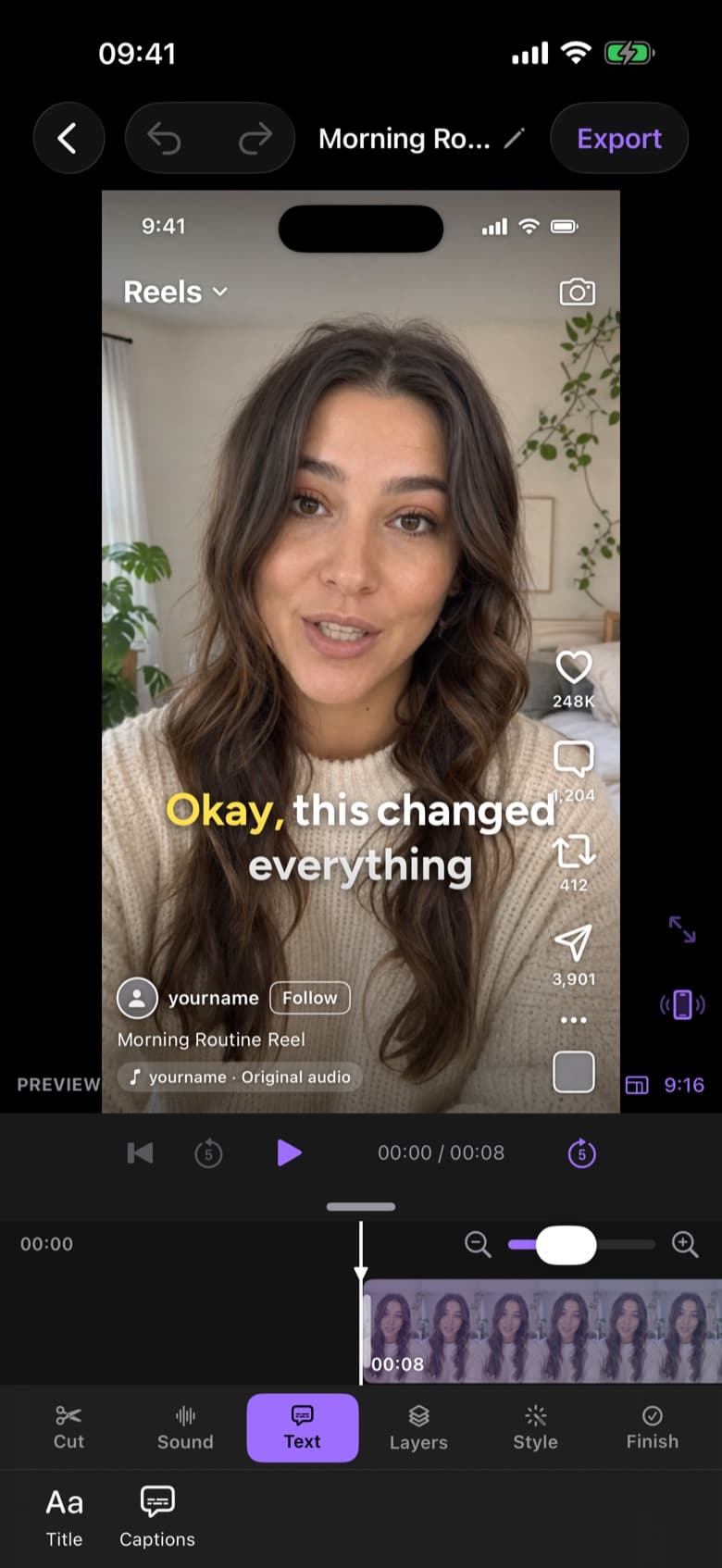
Auto captions that pop, word by word
Add animated, word-by-word captions to your videos automatically. Pick from trending caption styles, edit any word, and export for TikTok, Reels and Shorts.
Learn moreBackground removal
Remove the background from any video, right on your iPhone
Cut yourself out of any video with on-device background removal, chroma key or masks. Swap the background, add text behind you and export in 4K.
Learn more
Say bye to editing. Get your evenings back.
Your next video is already sitting in your camera roll. Drop it into ByeCut and get a clean, captioned cut back in minutes. Your first AI edit is free.



Free download · No watermark · iPhone & iPad