


Skip to content
ByeCut

Retakes on iPhone

Keep your best take. Skip the search through every retake.

Record the line as many times as you need. ByeCut compares your iPhone takes and keeps the strongest delivery in a proposed cut, ready for your review.

Download on the App StoreGet it on Google Play

AI Edit · 7-day free trial
See monthly plans

Using Android? Explore best-take selection

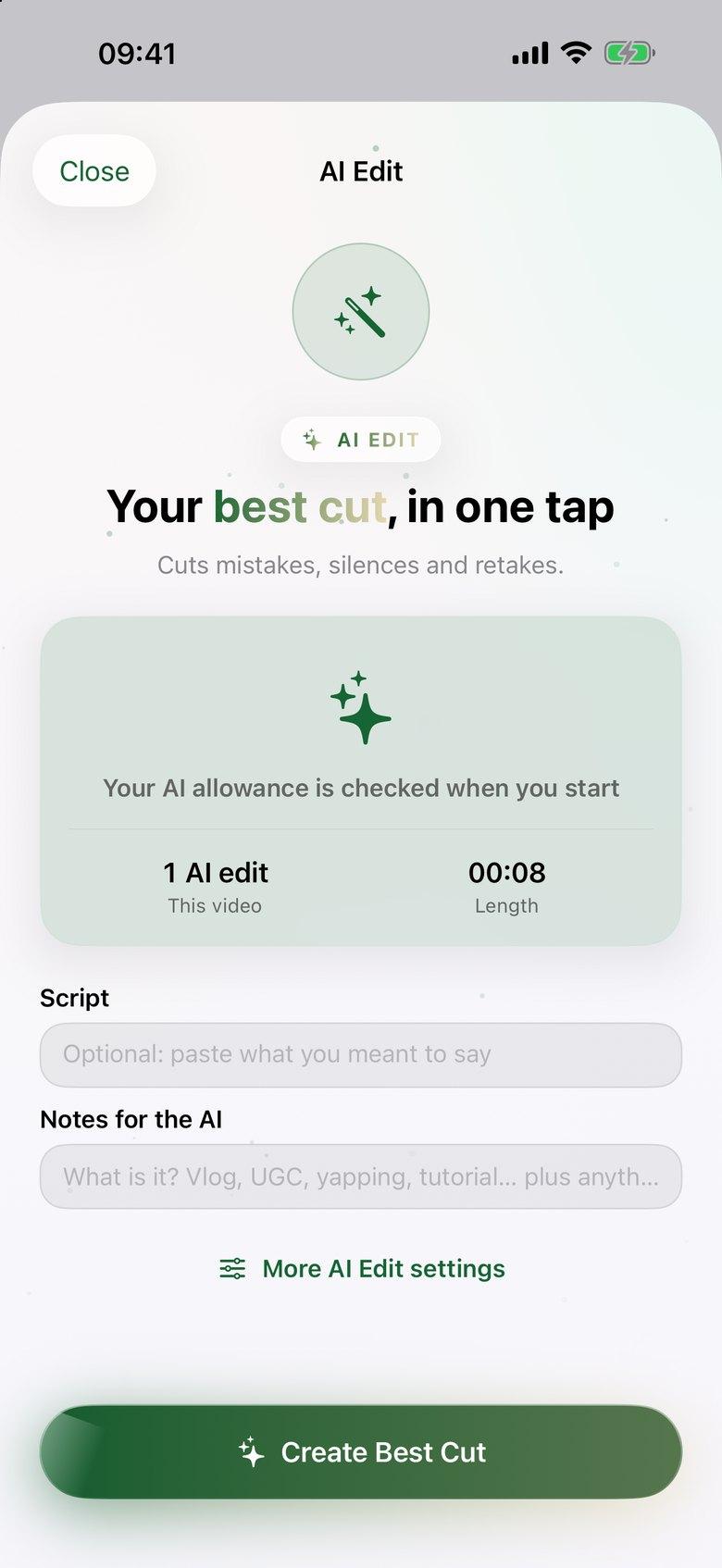
ByeCut AI Edit setup screen with optional script and notes fields and a Create Best Cut button
RAW · 1:12CUT · 0:38 · READY TO POST AI Edit

Remove retakes on iPhone in three steps.

  1. Step 1

    Record the way you normally talk

    Leave false starts and repeated lines in one long recording, or import separate takes from Photos or Files. You don't have to trim them first.

  2. Step 2

    Give AI Edit your script if you have one

    Paste the lines you meant to say so ByeCut can match them to your footage. Without a script, it builds the story from the recording.

  3. Step 3

    Check the delivery it chose

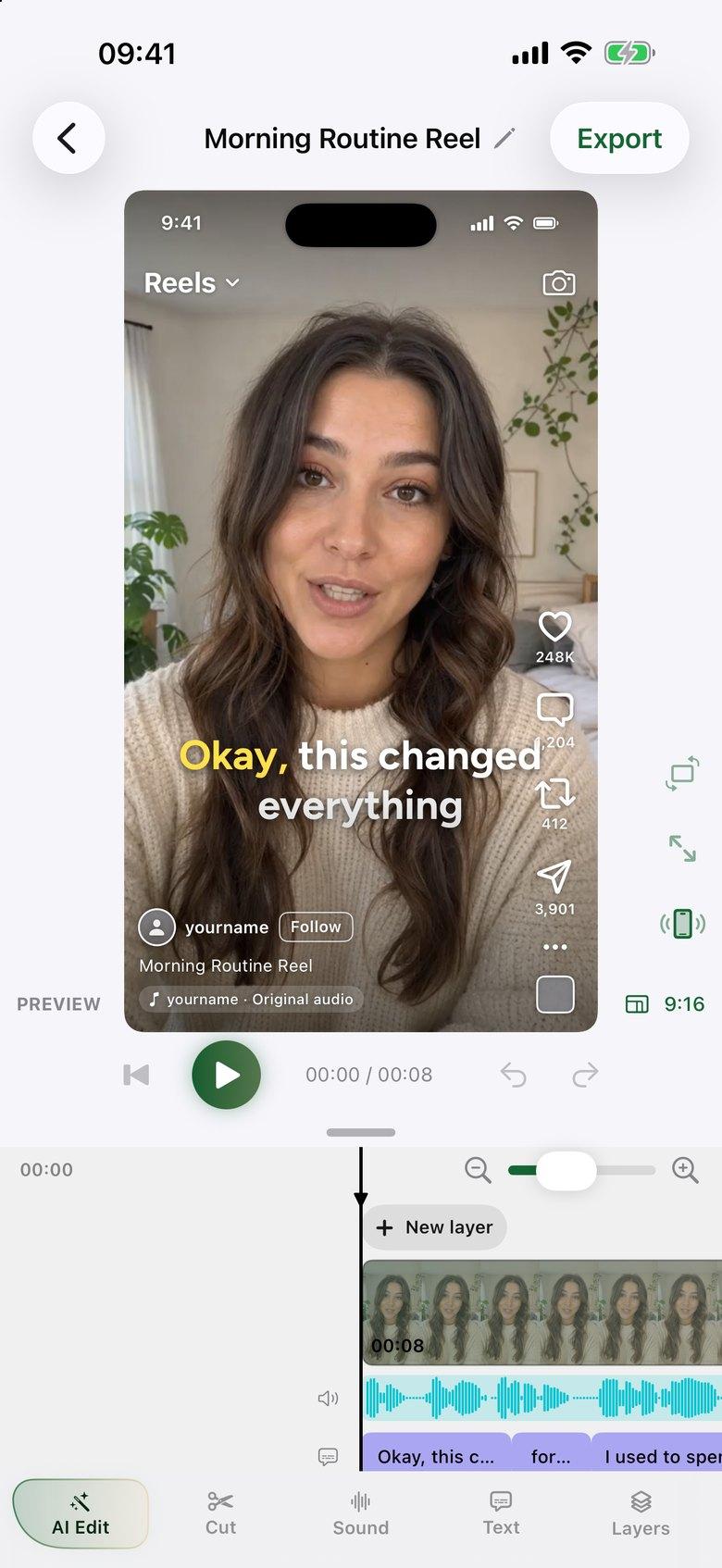
    Review RAW against CUT, then apply the edit. If you prefer another take, adjust the result on the timeline before adding captions and exporting.

Identical words can sound very different

You might say an opening line once with a stumble, once while reading and once with the right energy. A transcript alone makes those takes look similar. AI Edit compares the competing deliveries instead of assuming the last recording is the best one.

That makes it useful for scripted tutorials, product demonstrations and talking-head Reels where the meaning should stay consistent but the delivery matters.

False starts, filler words and gaps go through the same pass

Retakes rarely arrive on their own. There is usually a pause before the next attempt, an “um” or a “let me start again.” AI Edit handles those alongside best-take selection, leaving you a first cut to review rather than a list of individual trims to make.

Try it on a real recording

AI Edit requires a paid plan. Eligible subscribers can start a monthly plan with a 7-day trial and use the plan's included trial AI edits on their own footage. Each edit covers up to 6 minutes of raw recordings.

The iPhone app needs iOS 26 or later. Your video stays on the phone; AI Edit sends audio-only copies, a transcript and any script or notes to its AI service. You approve the proposed cut before it changes your timeline.

Questions, answered.

Can ByeCut choose between separate iPhone video clips?

Yes. Import several takes into the same AI Edit session. ByeCut compares the competing takes and assembles a proposed cut for you to review.

Do I need to record from a script?

No. A script helps match the lines you intended to say, but AI Edit can work from unscripted footage too.

Can I change which take the AI selected?

Yes. Review the proposed cut before applying it, then use the editable timeline to make your own adjustments.

Say bye to editing. Get your evenings back.

Your next video is already sitting in your camera roll. Drop it into ByeCut and get a clean, captioned cut back in minutes. Every plan starts with a 7-day free trial.

Download on the App StoreGet it on Google Play

5.0Rating on
App Store

Free download · No watermark · iPhone, iPad & Android

ByeCut: AI Video EditorEdit in minutes · Free downloadDownload