
Skip to content
ByeCut

Filler word removal

Remove “um”, “uh” and false starts from your videos

Everyone says “um” on camera. ByeCut finds filler words, stumbles and restarts in your recording and cuts them out, so you sound sharp without filming the same line ten times.

Download on the App Store

Free editor · No watermark
First AI edit on us

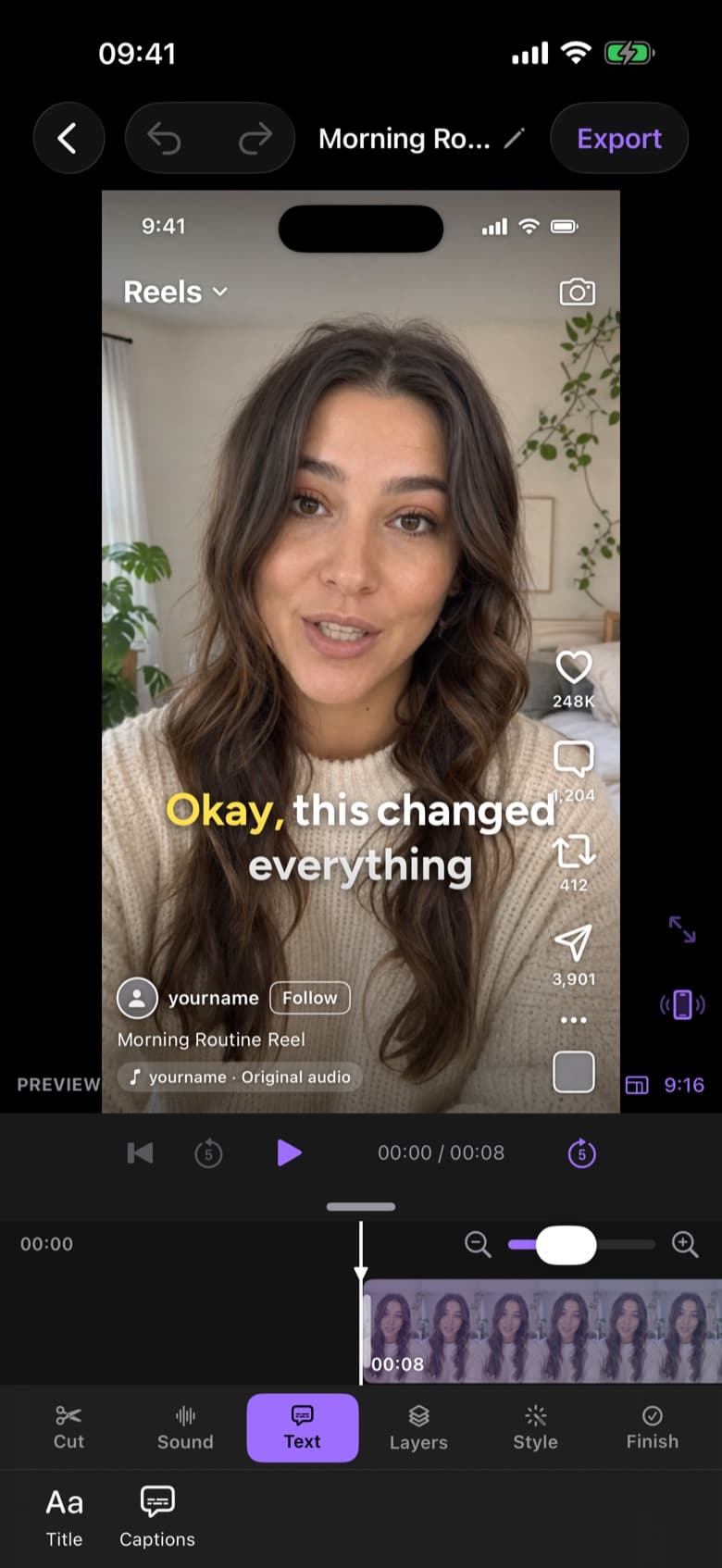
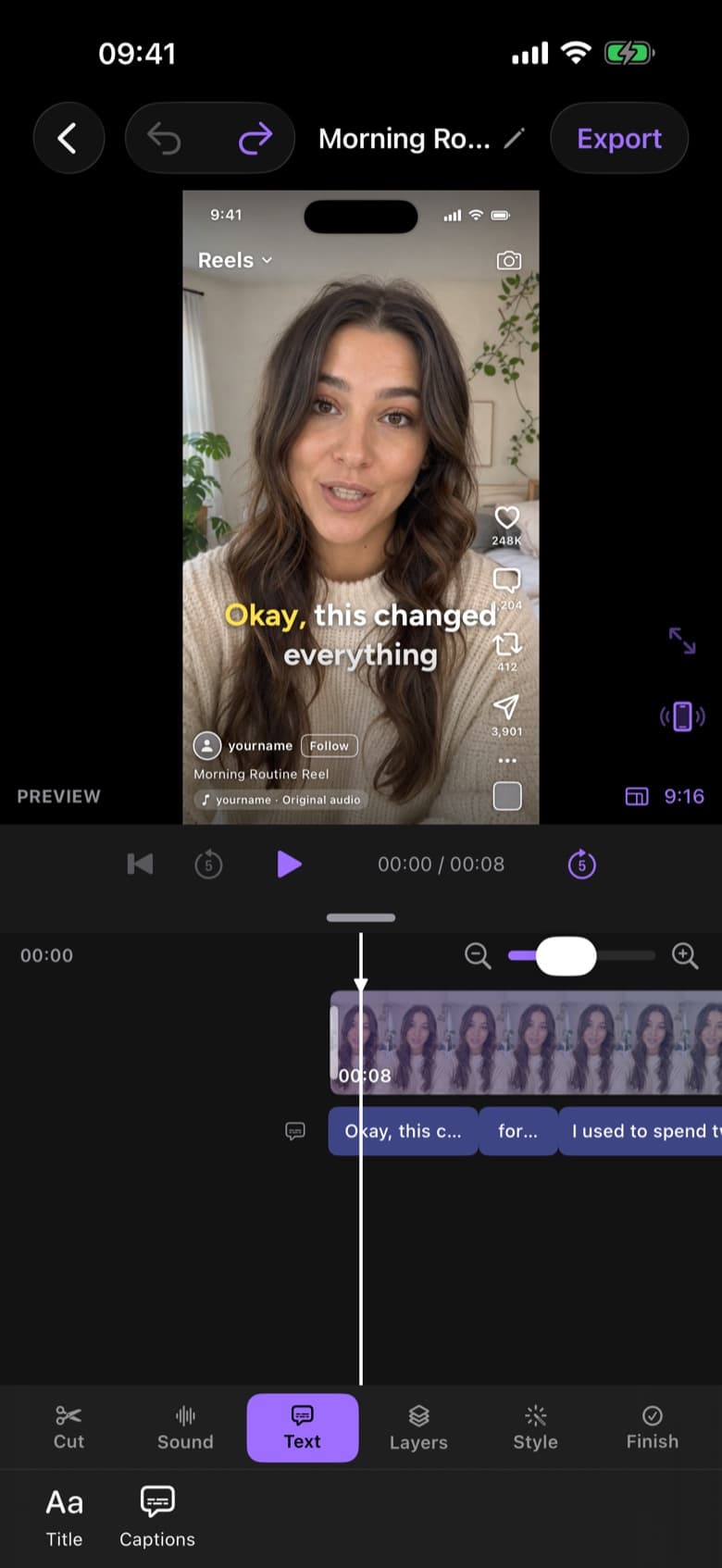
ByeCut editor on iPhone showing a talking-head video with word-by-word captions and the timeline
RAW · 1:12CUT · 0:38 · READY TO POST AI Edit

Sound confident without re-recording

Filler words are a normal part of speech, but on video they read as hesitation. Cutting them manually means listening to every second of footage and making precise cuts around each one.

ByeCut transcribes your recording with word-level timing, identifies the fillers and stumbles, and removes them while keeping the words around them intact.

  • Filler words: um, uh, er, like, you know
  • False starts and half-finished sentences
  • Restarts such as “sorry, let me start again”
  • Stutters and repeated words

Captions stay in sync

Because captions in ByeCut are timed to every word, they follow the new cut automatically. No re-typing, no drifting subtitles.

Review before anything changes

You see the proposed cut next to your raw footage before it's applied. Keep the edit, restore a word you wanted, or go through it on the timeline by hand.

Questions, answered.

Which languages does filler word removal support?

AI Edit works best with clear speech. English is the most thoroughly tested; other widely spoken languages generally work too. Try your first edit free to see how it handles yours.

Will it remove words I meant to say?

AI Edit is conservative with meaningful words, and nothing is applied until you review it. You can restore any cut on the timeline.

Say bye to editing. Get your evenings back.

Your next video is already sitting in your camera roll. Drop it into ByeCut and get a clean, captioned cut back in minutes. Your first AI edit is free.

Download on the App Store

Free download · No watermark · iPhone & iPad

ByeCut: AI Video EditorEdit in minutes · Free downloadDownload