

Skip to content
ByeCut

Silence removal

Remove silence from video automatically

Dead air kills retention. ByeCut finds the pauses, gaps and breaths between your sentences and cuts them for you, giving your video the tight, jump-cut pacing that keeps people watching.

Download on the App Store

Free editor · No watermark
First AI edit on us

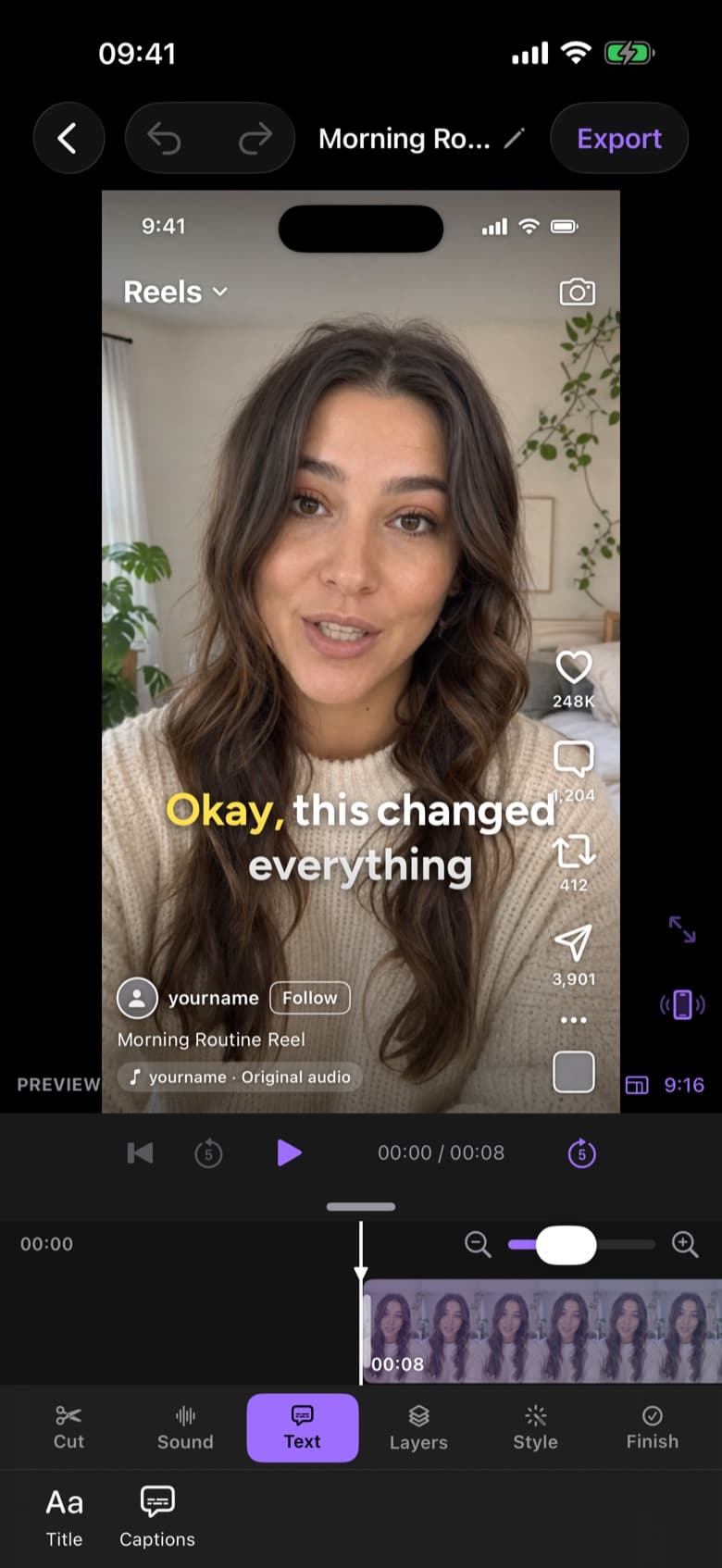
ByeCut live Reels preview showing how the video will look in the feed before posting
RAW · 1:12CUT · 0:38 · READY TO POST AI Edit

Remove silences in three steps.

  1. Step 1

    Import your recording

    Bring in a talking-head clip from Photos or Files. Any length, any number of pauses.

  2. Step 2

    Tap AI Edit

    ByeCut maps where you're speaking and where you're not, then trims the silent stretches while keeping natural breathing room.

  3. Step 3

    Fine-tune on the timeline

    Every cut is a real edit point. Nudge it, extend a pause for effect, or undo it entirely.

Why cutting silence matters

On TikTok, Instagram Reels and YouTube Shorts, viewers decide in a second or two whether to keep watching. A three-second pause while you remember your next line is often where they swipe away.

Removing silences by hand means scrubbing through the whole timeline and making dozens of tiny cuts. ByeCut does that first pass for you, so you only spend time on the edits that need taste.

Smarter than a volume threshold

Simple silence removers cut anything below a loudness level, which clips soft-spoken words and leaves background noise in. ByeCut combines speech detection with the audio envelope of your recording, so cuts land between words instead of in the middle of them.

Pair it with the rest of AI Edit

Silence is usually only half the problem. The same pass also removes filler words, false starts and weaker repeat takes, so your raw recording turns into a finished first cut in one go.

Questions, answered.

Will it cut my breaths and make the video feel rushed?

ByeCut aims for tight but natural pacing. If a cut feels too sharp, you can widen any edit point on the timeline.

Does silence removal work on long recordings?

Yes. You can import long takes; longer recordings use more of your AI Edit allowance. Your first AI edit covers a recording of up to 15 minutes for free.

Can I remove silence without using AI Edit?

You can always trim and split clips by hand in the free timeline editor. Automatic silence removal is part of AI Edit.

Say bye to editing. Get your evenings back.

Your next video is already sitting in your camera roll. Drop it into ByeCut and get a clean, captioned cut back in minutes. Your first AI edit is free.

Download on the App Store

Free download · No watermark · iPhone & iPad

ByeCut: AI Video EditorEdit in minutes · Free downloadDownload