ByeCut
How long does it take to edit a video?
Realistic editing times for short-form and long-form video, where the hours actually go, and how to get a talking-head edit down to about five minutes.
By the ByeCut team · Updated · 6 min read
Short answer: a 60-second talking-head TikTok, Reel or Short usually takes somewhere between 30 minutes and two hours to edit by hand. A 10-minute YouTube video can take a full working day. The range is wide because editing time depends less on how long the finished video is than on how messy the raw footage is.
Typical editing times by video type
| Video | Raw footage | Editing by hand | With an AI first cut |
|---|---|---|---|
| 60-second TikTok, Reel or Short | 3–10 min with retakes | 30 min – 2 hours | About 5 minutes |
| UGC ad with 3 hook variations | 10–20 min | 1–3 hours | 10–15 minutes |
| 3-minute tutorial or course lesson | 10–20 min | 2–4 hours | 15–30 minutes |
| 10-minute YouTube video | 30–60 min | 4–10 hours | 1–3 hours |
These are ranges, not promises. They assume one person talking to the camera with a few retakes, plus captions and light polish. Heavy B-roll, motion graphics or multi-camera footage take longer either way.
A rule of thumb you'll often hear from editors is about an hour of editing per finished minute for simple content, and much more for polished work. For short-form video, the floor is set by the number of decisions you have to make, not by the length of the video.
Where the time actually goes
Break down a typical hand edit of a one-minute talking-head video and a pattern appears: most of the time goes into mechanical work, not creative decisions.
- Reviewing takes (15–30 min): watching every attempt at every line to decide which one to keep.
- Rough cut (15–30 min): splitting clips, deleting bad takes and false starts, and putting the good ones in order.
- Tightening (10–20 min): trimming pauses, breaths and filler words between sentences. Dozens of tiny cuts.
- Captions (10–30 min): typing or correcting subtitles and timing them to your speech.
- Polish and export (10–20 min): music, zooms, colour, a final watch-through and the export.
The first four steps are repetitive and rule-based, and they scale badly: record more retakes and every one of them gets slower. Polish is where your taste matters, and it's usually the smallest slice.
Why short videos take so long to edit
Short-form punishes slack. A two-second pause that's fine on a podcast feels like a dead spot on TikTok, so creators cut tighter, and every cut is another decision. Filming more retakes gives you a better delivery and a longer edit. That's how a 45-second video eats an evening.
How to get a 2-hour edit down to 5 minutes
The trick is to stop doing the mechanical part by hand. An AI editor built for talking-head video can do the first four steps for you:
- It compares every take of each line and keeps the strongest one: best-take selection instead of scrubbing through attempts.
- It removes silences and filler words automatically, so the cut is already tight.
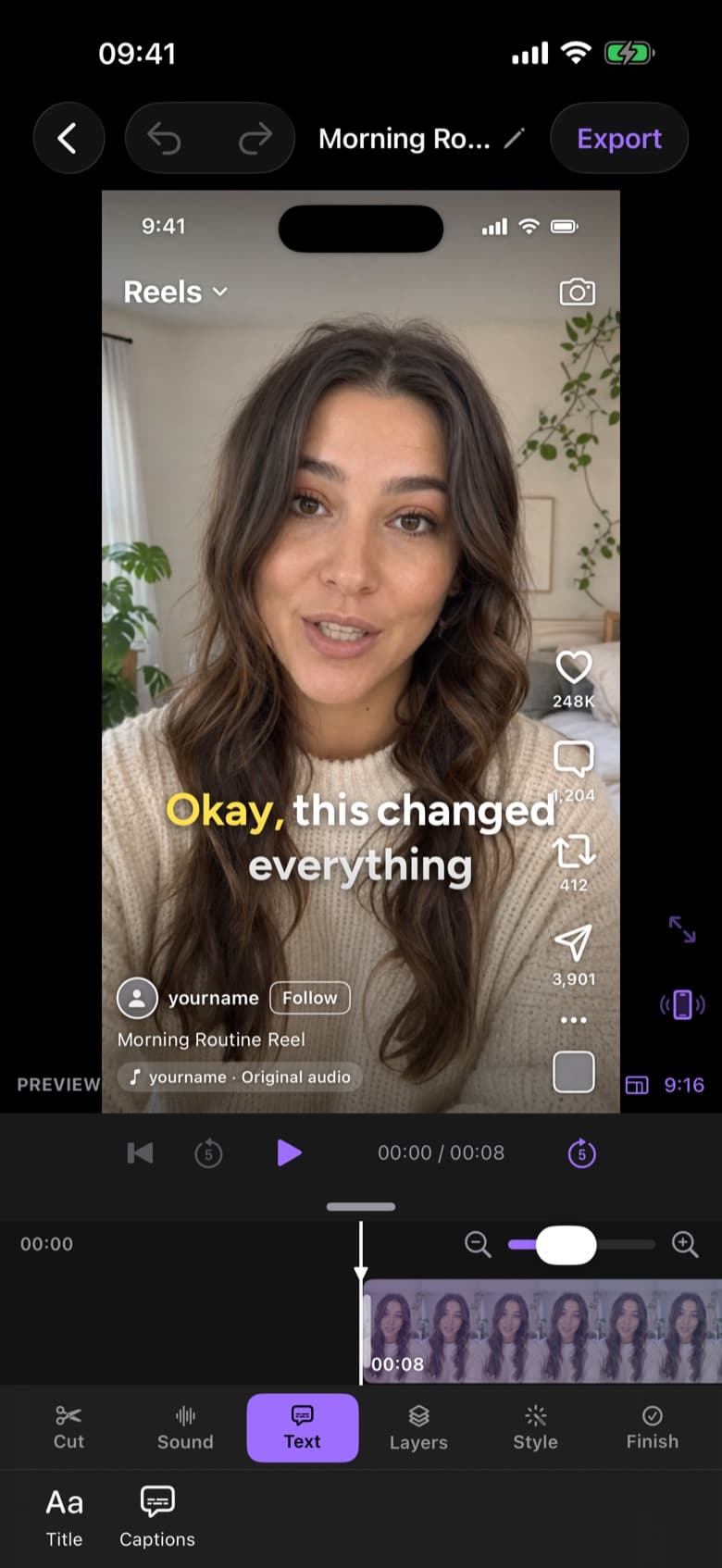
- It generates word-by-word captions in one tap.
What's left for you is the part that needs a human: watching the cut once, changing anything you'd do differently and picking a caption style. In ByeCut that takes about five minutes of hands-on time per video, while the AI Edit itself runs in the background.
Calculate your own editing time
That's about 9 min per video with ByeCut. AI Edit does the cutting; a quick review stays with you, so we count 15% of your current editing time, the same estimate the app uses.
Time you get back
hours a month
- hours a week
- 4.3
- hours a week
- hours a year
- 221
- hours a year
- full workdays a year
- 28
- full workdays a year
Small savings compound. Cutting a 60-minute edit down to about 9 minutes, five times a week, gives you back roughly 18 hours a month. That's more than two full workdays.
Film for a faster edit
Whatever tool you use, how you film decides how long you edit. Pause for a beat before each retake, repeat the whole sentence rather than half of it, and keep each video to one idea. Our guide to filming talking-head videos covers the details, and 10 ways to edit videos faster covers the rest.
FAQ
How long does it take to edit a 1-minute video?
By hand, usually 30 minutes to two hours for a talking-head video with retakes and captions. With an AI editor that handles take selection, pause removal and captions, it comes down to about five minutes of your own time.
How long does it take to edit a TikTok?
Most creators spend 30 minutes to an hour on a simple TikTok, and up to two hours when there are lots of retakes, captions and effects. Automating the rough cut and captions removes most of that.
How long does it take to edit a YouTube video?
A 10-minute YouTube video commonly takes four to ten hours to edit, depending on B-roll, graphics and how much footage you shot.
Why does video editing take so long?
Most editing time goes into mechanical work: reviewing takes, cutting pauses and filler words, and typing captions. Those steps grow with every retake you record, which is why they're the best ones to automate.