ByeCut
Your time is worth more. ByeCut costs less.
The full editor is free forever, with no watermark. Plans add monthly AI edits (one edit covers up to 6 minutes of raw footage), and every plan starts with a 3‑day free trial.
Free
The full editor, no watermark.
€0/ forever
No card needed
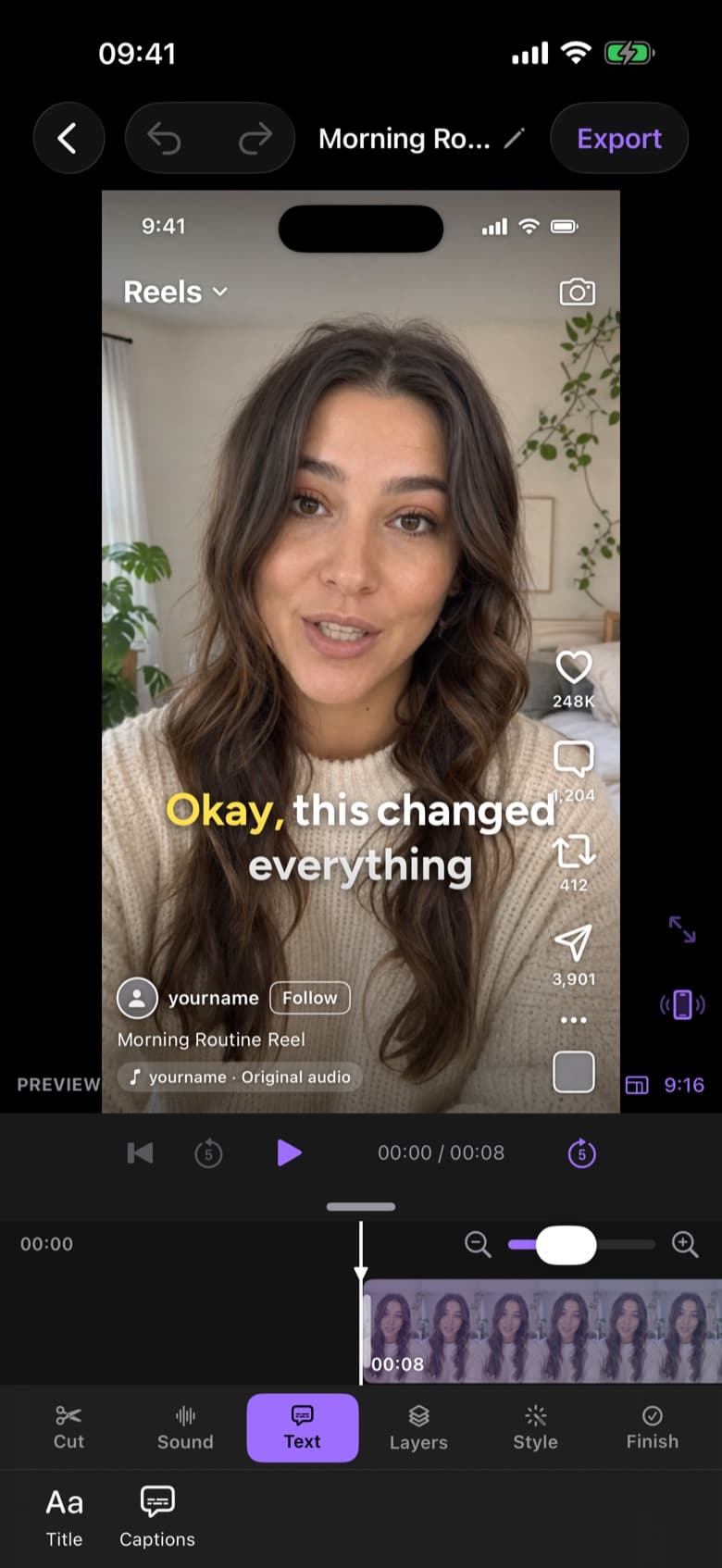
- Full multi-track timeline editor
- Unlimited word-by-word captions
- Background removal, chroma key & masks
- Up to 4K 60 fps exports, no watermark
- 1 free AI edit on up to 15 min of footage
Creator
Great for a few videos a week.
€19.99/ month
€149.99 / year, save 37%
€0.67 per edit · 3 days free
- Everything in Free
- 30 AI edits every month
- Up to 3 hours of footage a month
- Best-take selection & script matching
- Silence and filler word removal
Pro
Best valueFor daily posting and client work.
€39.99/ month
€299.99 / year, save 37%
€0.44 per edit · 3 days free
- Everything in Creator
- 90 AI edits every month, 3× Creator
- Up to 9 hours of footage a month

Plans are purchased in the app through the App Store. Prices shown in EUR; the App Store shows your local price. The free trial includes 2 AI edits; your plan's full allowance unlocks when it starts. Subscriptions renew automatically until cancelled in your Apple Account settings.
Pricing questions.
What counts as one AI edit?
One AI edit covers up to six minutes of raw footage, on every plan. A longer recording uses more than one edit: a 7-minute recording uses two. The app always shows the cost before an edit starts.
Is there a free trial?
Yes. Every plan starts with a 3-day free trial that includes 2 AI edits (up to 15 minutes of footage). Nothing is charged until the trial ends, and your plan's full allowance unlocks as soon as it starts. Cancel any time in Settings.
Is ByeCut really free?
Yes. Downloading ByeCut, the full timeline editor, captions, effects and 4K exports are free forever, with no watermark. You also get one free AI edit on a recording of up to 15 minutes, and every paid plan starts with a 3-day free trial.
When do my AI edits reset?
Allowances reset monthly. Annual plans also reset every month, on the day you subscribed.
How do I cancel?
Subscriptions are managed by Apple. Cancel any time in iPhone Settings → your name → Subscriptions. You keep access until the end of the current period.
Can I buy a subscription on the website?
No. Plans are purchased inside the app through the App Store, so billing, family sharing rules and refunds are handled by Apple. AI edits need a free account, which you create with Sign in with Apple, so your plan follows you to every device.
Say bye to editing. Get your evenings back.
Your next video is already sitting in your camera roll. Drop it into ByeCut and get a clean, captioned cut back in minutes. Your first AI edit is free.


Free download · No watermark · iPhone & iPad