ByeCut
Script in, cut out
Paste the brand's script and ByeCut checks each line against your footage, keeping the strongest take and flagging nothing missing from the brief.
For UGC creators
Brands send a script, you film a dozen takes, and then comes the editing. ByeCut matches every line of the brief to your best take, so you can deliver more videos without more editing hours.

Free editor · No watermark
First AI edit on us
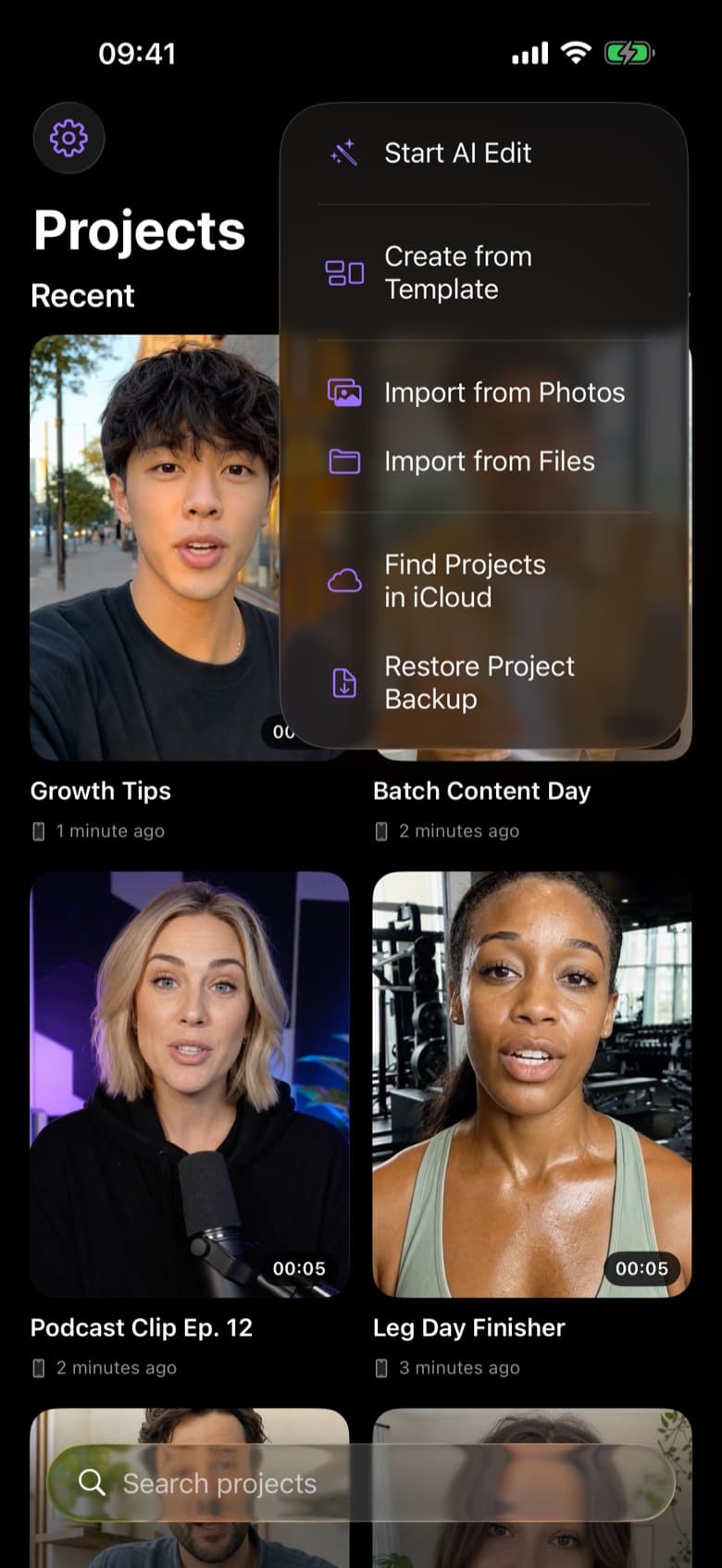
Paste the brand's script and ByeCut checks each line against your footage, keeping the strongest take and flagging nothing missing from the brief.
Brands often want multiple hooks or formats. Duplicate a project, swap the hook, change the aspect ratio from 9:16 to 4:5 or 1:1, and export each version in 4K.
Client videos stay on your device. AI Edit only sends audio and the transcript to pick your takes (never the video itself), and its AI provider doesn't train on it.
Yes. There's no watermark and the videos you export are yours to deliver.
The fastest way to edit talking-head videos on iPhone. ByeCut's AI builds your rough cut from every take, removes mistakes and silences, and adds captions.
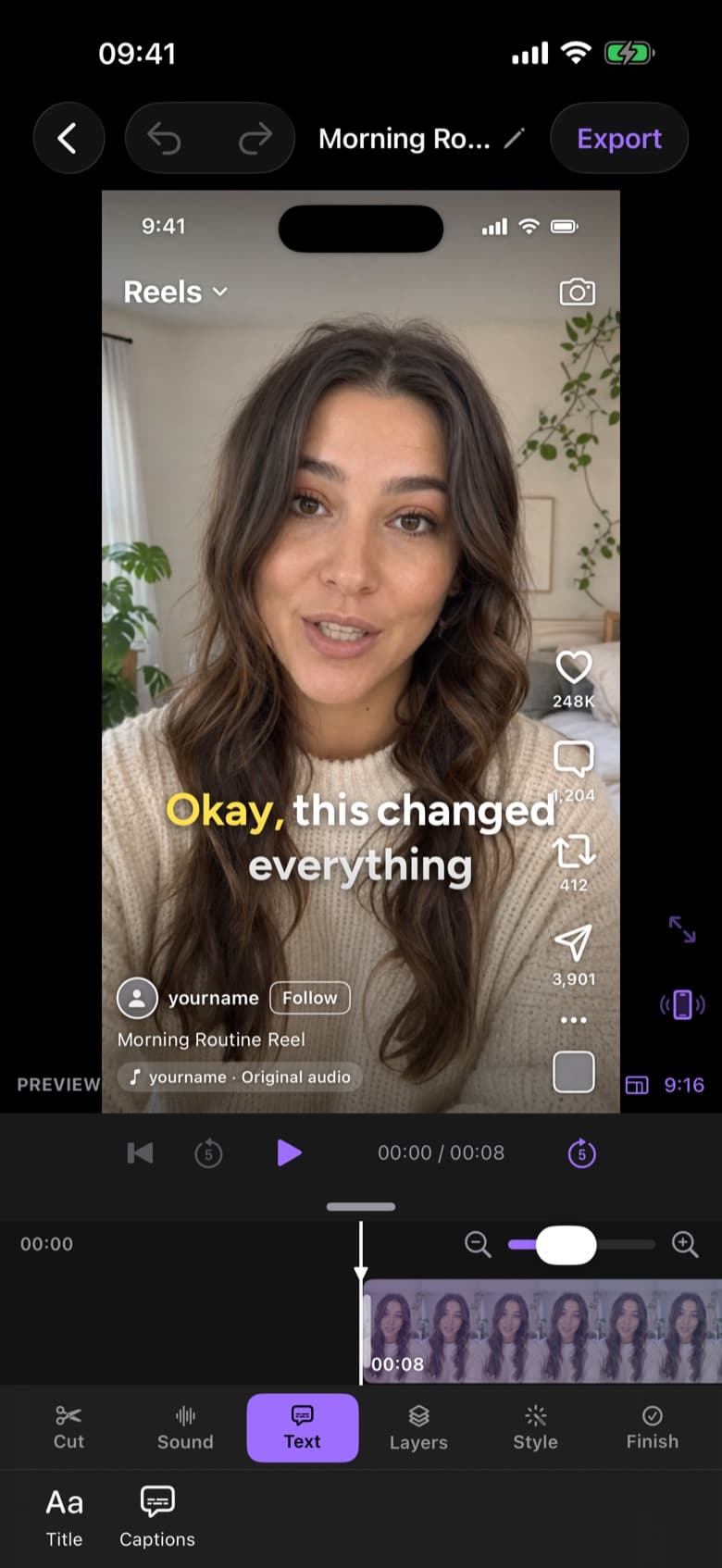
Make Instagram Reels in minutes. ByeCut's AI removes mistakes and silences, adds captions, and shows a live Reels preview so you know exactly how it will look.
Edit TikToks faster with AI. ByeCut cuts your pauses and retakes, adds trending word-by-word captions and exports 9:16 in 4K, all on your iPhone.
Your next video is already sitting in your camera roll. Drop it into ByeCut and get a clean, captioned cut back in minutes. Your first AI edit is free.
Free download · No watermark · iPhone & iPad
 ByeCut: AI Video EditorEdit in minutes · Free downloadDownload