
Skip to content
ByeCut

Cutout & background

Remove the background from any video, right on your iPhone

No green screen? No problem. ByeCut separates you from your background on-device, so you can swap scenes, add text behind yourself, or drop in a colour or image canvas.

Download on the App Store

Free editor · No watermark
First AI edit on us

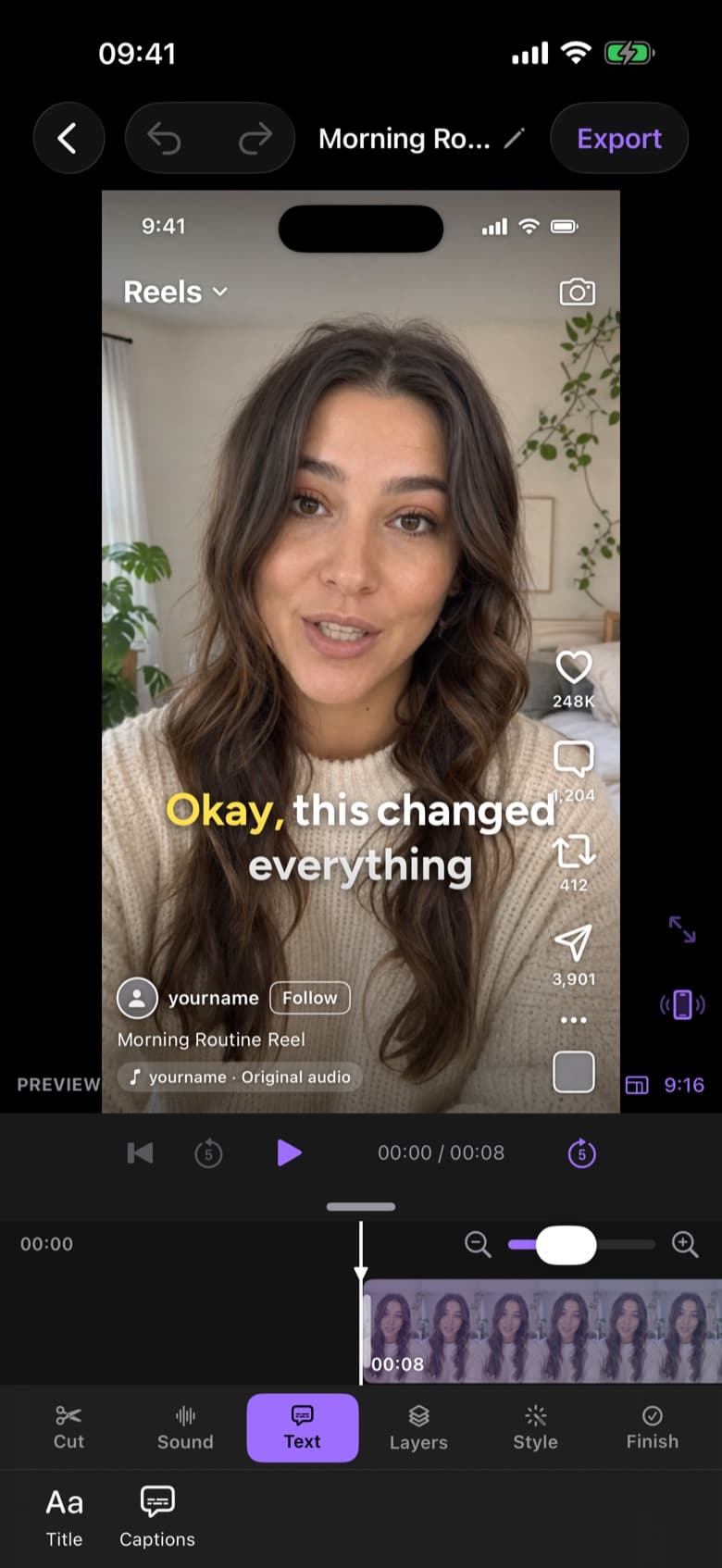
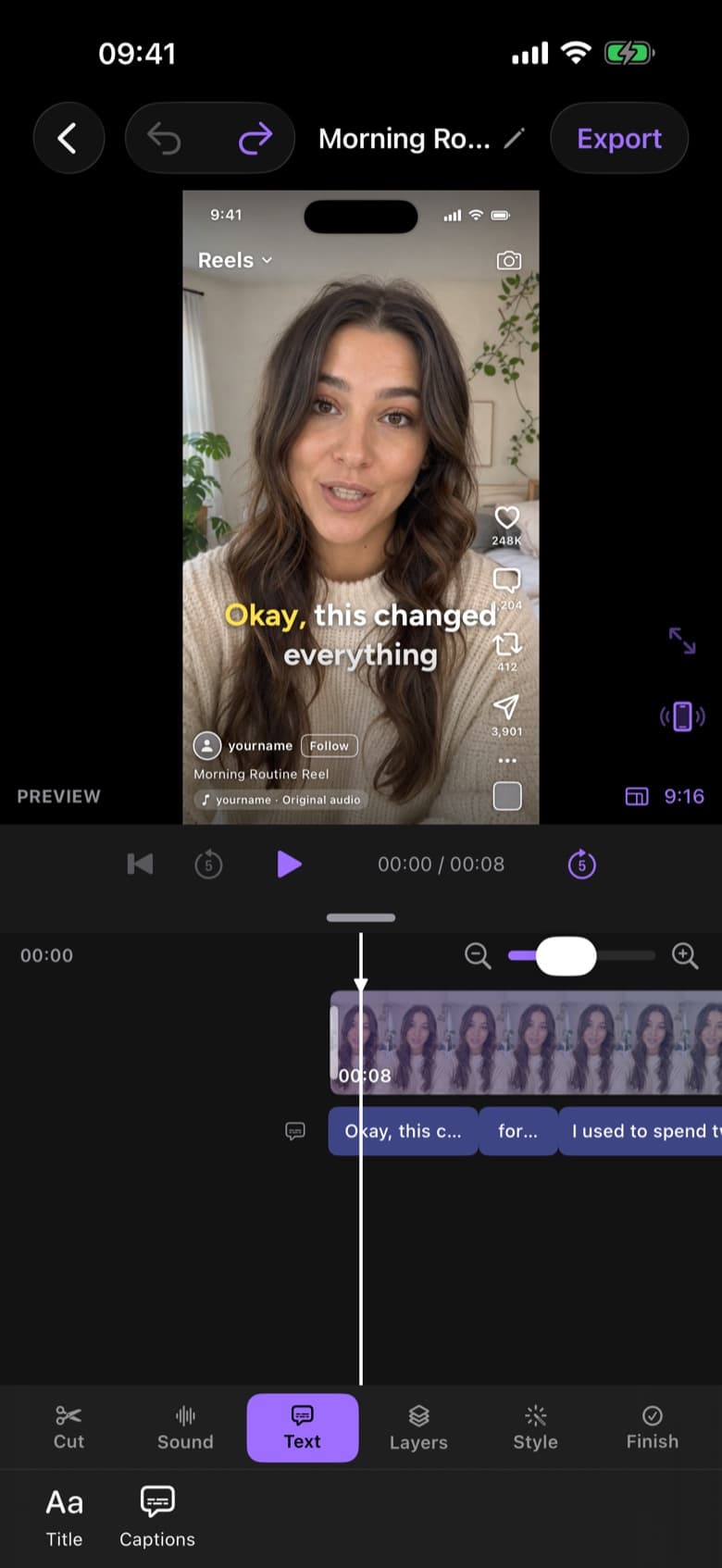
ByeCut editor on iPhone showing a talking-head video with word-by-word captions and the timeline
RAW · 1:12CUT · 0:38 · READY TO POST AI Edit

Three ways to cut out

Pick the tool that fits your footage:

  • On-device background removal: isolates the person in frame, no green screen needed
  • Chroma key: classic green or blue screen keying with adjustable tolerance
  • Masks: shape masks you position and feather by hand

Text behind subject

Place a title behind your head and in front of the background for the layered look that's everywhere on Reels and TikTok. ByeCut handles the separation for you.

Pro tools, free

Cutout, chroma key, stabilization, face retouch, speed ramps, freeze frames and reverse are all part of the free editor. No subscription is needed to use them.

Questions, answered.

Is background removal processed in the cloud?

No. ByeCut's background removal runs on your iPhone, so your video isn't uploaded.

Do I need a green screen?

No. On-device background removal works on normal footage. If you do film on green screen, the chroma key tool gives you a clean key.

Say bye to editing. Get your evenings back.

Your next video is already sitting in your camera roll. Drop it into ByeCut and get a clean, captioned cut back in minutes. Your first AI edit is free.

Download on the App Store

Free download · No watermark · iPhone & iPad

ByeCut: AI Video EditorEdit in minutes · Free downloadDownload