ByeCut
How to batch film a week of short-form content in one session
Script on Sunday, film once, edit everything in one sitting. A simple batching system for creators who want to post daily without filming daily.
By the ByeCut team · Updated · 6 min read
Posting every day doesn't have to mean filming every day. Batching (writing, filming and editing several videos in one go) is how many full-time creators keep up. It cuts setup time, keeps your look consistent and turns content into a weekly routine instead of a daily scramble.
Why batching saves so much time
Every video carries fixed costs: setting up the camera, light and mic, getting into the right headspace, and opening your editor. Batching pays those costs once a week instead of once per video. Grouping similar work is also faster than switching between writing, filming and editing all day.
Step 1: Plan your topics (20 minutes)
List five to seven ideas for the week. Mixing formats helps: a tip, a story, an opinion, a how-to, a reply to a comment. For each one, write the hook, the first sentence, before anything else.
Step 2: Script one sentence per line (30–45 minutes)
Write each script as short lines, one sentence each, and keep every video to one idea. Put the hook on the first line; you'll record it a few times with different energy.
Step 3: Set up once
- Face a window, or use one soft light at eye level.
- Clip on a mic, or film close to the phone in a quiet room.
- Frame at eye level with a little headroom.
- Lock exposure and focus so they don't drift between videos.
Step 4: Film in blocks
Film all the videos that share an outfit and background in one block. Then change your top or move to a different corner and film the next block, so the week doesn't look like it was shot in one afternoon.
Don't stop recording when you make a mistake. Pause for a second and repeat the whole sentence. A separate recording per video keeps things tidy, but one long recording with retakes works too.
Step 5: Edit in one sitting
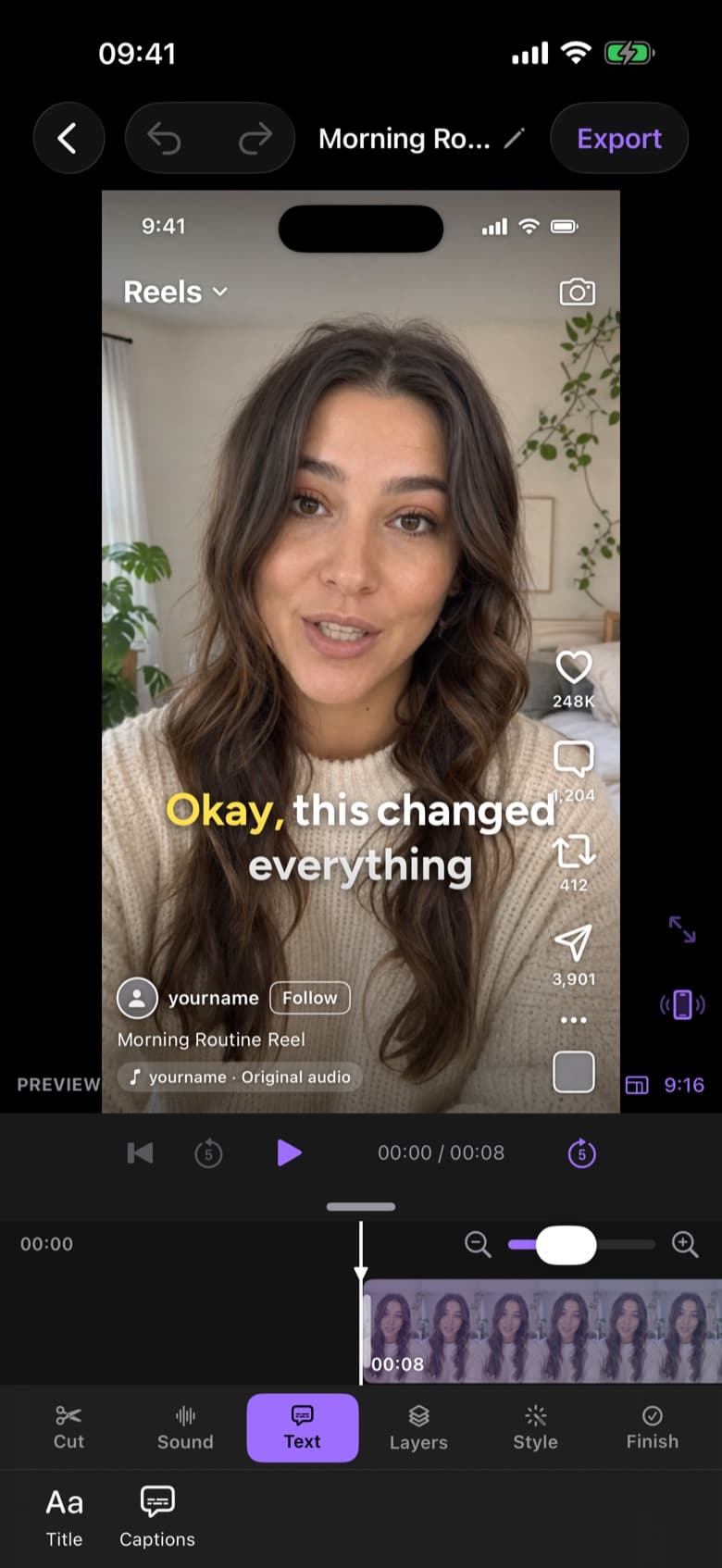
This is where batching used to fall apart: five raw recordings could mean five evenings of editing. With an AI editor, you start an edit for each recording and let them process while you do something else. Then review each cut, apply your caption style and export.
In ByeCut, reviewing a cut and styling captions takes about five minutes per video, so a week of content can be edited in under an hour.
Step 6: Schedule and post
Export everything in 9:16 and schedule it with each platform's scheduler or the tool you already use. Your week is done before it starts.
A sample batching week
| When | Task | Time |
|---|---|---|
| Sunday | Plan topics and write scripts | About 1 hour |
| Monday | Film every video in two or three blocks | 1–2 hours |
| Monday | Edit, caption and export with an AI first cut | Under 1 hour |
| Tuesday–Sunday | Post, reply to comments, collect ideas | 15 minutes a day |
FAQ
How many videos should I batch at once?
Start with five to seven, one week of content. Beyond that, scripts tend to get repetitive and your energy on camera drops.
How do I stop batched videos from looking the same?
Change your top, background or framing between blocks, and vary the formats: tips, stories, opinions and replies.
How long does it take to edit a batch of videos?
By hand, a week of talking-head videos can take most of a day. With an AI editor handling take selection, pause removal and captions, it's closer to five minutes per video.