

Skip to content
ByeCut

Best take selection

Film every take. AI keeps the best one.

Recording the same line over and over is how good videos get made, and why editing them takes forever. ByeCut compares every take of every line and assembles the strongest version of your script.

Download on the App Store

Free editor · No watermark
First AI edit on us

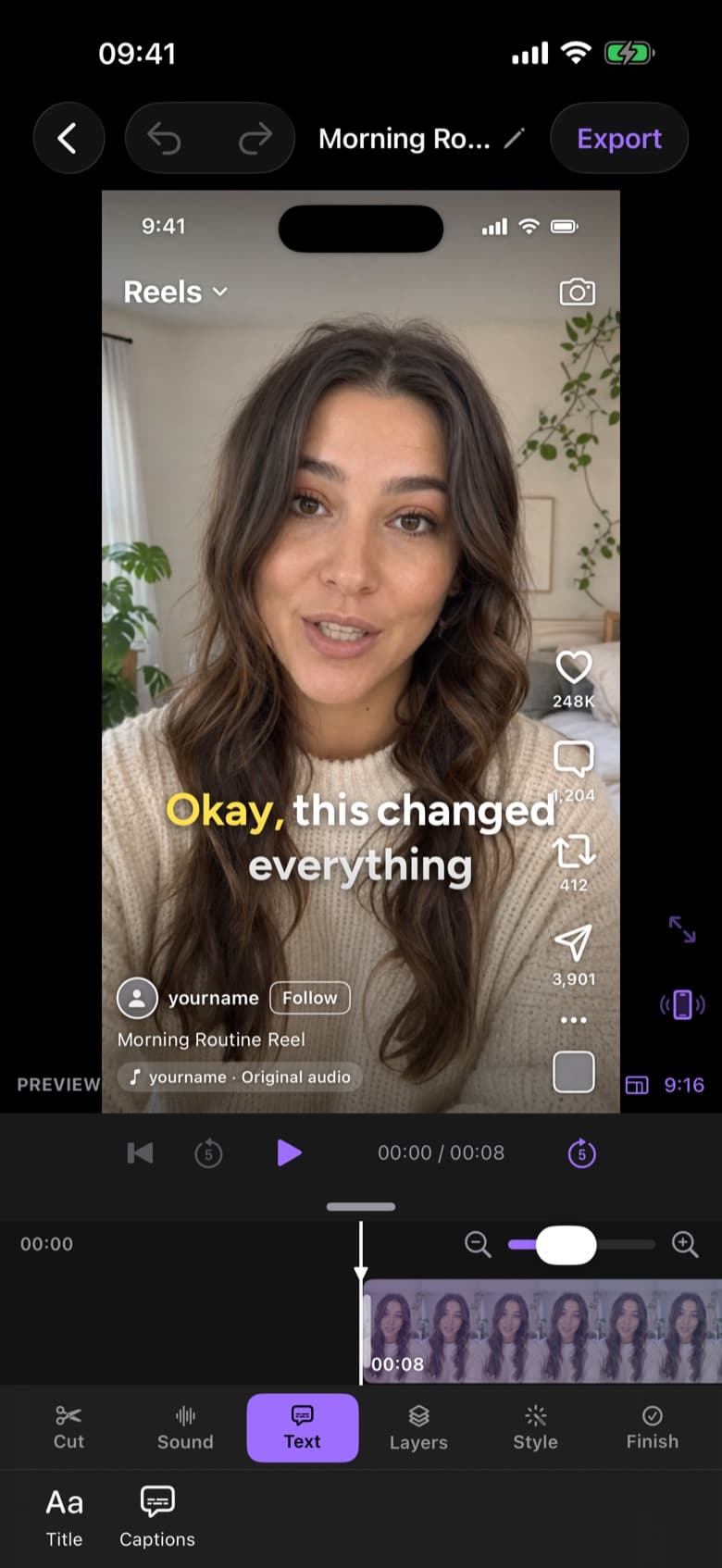
ByeCut live Reels preview showing how the video will look in the feed before posting
RAW · 1:12CUT · 0:38 · READY TO POST AI Edit

Best take picker in three steps.

  1. Step 1

    Paste your script

    Add the lines you meant to say: a hook, talking points or a brand's UGC brief. Optional, but it makes matching even more precise.

  2. Step 2

    Import all your takes

    One long recording with retakes, or several separate clips. ByeCut finds which part of your footage belongs to which line.

  3. Step 3

    Get the best of each line

    For every line, ByeCut listens to the competing takes and keeps the one with the cleanest, most confident delivery.

Why “last take wins” doesn't work

Many auto-editors assume your final attempt at a line is the good one. In reality your second take often has the best energy, and the final one is where you rushed. ByeCut actually listens to each performance instead of guessing from the transcript.

Made for UGC and brand scripts

UGC creators get a script from the brand and need every line delivered. Paste it into ByeCut and it checks each line against your takes, so nothing from the brief is missing from the final cut.

Then finish it your way

The assembled cut lands on a full timeline with captions, music, text, overlays and effects, ready to polish and export in 4K.

Questions, answered.

Do I need a script?

No. Without a script, ByeCut works out the story from what you said and still picks the best take of repeated lines. A script just makes line matching more precise.

Can I import several separate clips?

Yes. Import multiple takes from Photos or Files; ByeCut analyses them together as one recording session.

Say bye to editing. Get your evenings back.

Your next video is already sitting in your camera roll. Drop it into ByeCut and get a clean, captioned cut back in minutes. Your first AI edit is free.

Download on the App Store

Free download · No watermark · iPhone & iPad

ByeCut: AI Video EditorEdit in minutes · Free downloadDownload