ByeCut
How to edit videos faster: 10 tips that save hours every week
Most editing time is spent on work a tool could do. Ten changes to how you film and edit that take a talking-head video from hours to minutes.
By the ByeCut team · Updated · 7 min read
If editing is what stands between you and posting more, the answer usually isn't editing faster by hand. It's doing less of the editing by hand. These ten changes are ordered from the ones that save the most time to the ones that save the least.
1. Stop building the rough cut yourself
The rough cut (picking takes, deleting mistakes, putting lines in order) is the slowest part of any talking-head edit, and the least creative. An AI editor that understands speech can do it in the background while you do something else. You review the result instead of building it.
2. Film for the edit
Keep the camera rolling. When you flub a line, pause for a second and say the whole sentence again. Clear gaps between attempts make retakes easy to find, both for you on the waveform and for AI tools that compare takes. See how to film talking-head videos.
3. Write one sentence per line
A script with one sentence per line is easier to read on camera and easier to edit: each line becomes a unit you either keep or redo. Some editors, ByeCut included, can match your footage to a pasted script line by line, so nothing goes missing.
4. Batch your filming
Setting up lights, framing and audio takes the same time whether you film one video or five. Film a week's worth in one session and you can edit it in one session too. Our guide to batch filming shows how.
5. Automate silence and filler word removal
Trimming pauses and “ums” by hand means dozens of tiny cuts per minute of video. Automatic silence removal and filler word removal do it in one pass, and good tools cut between words instead of through them.
6. Generate captions instead of typing them
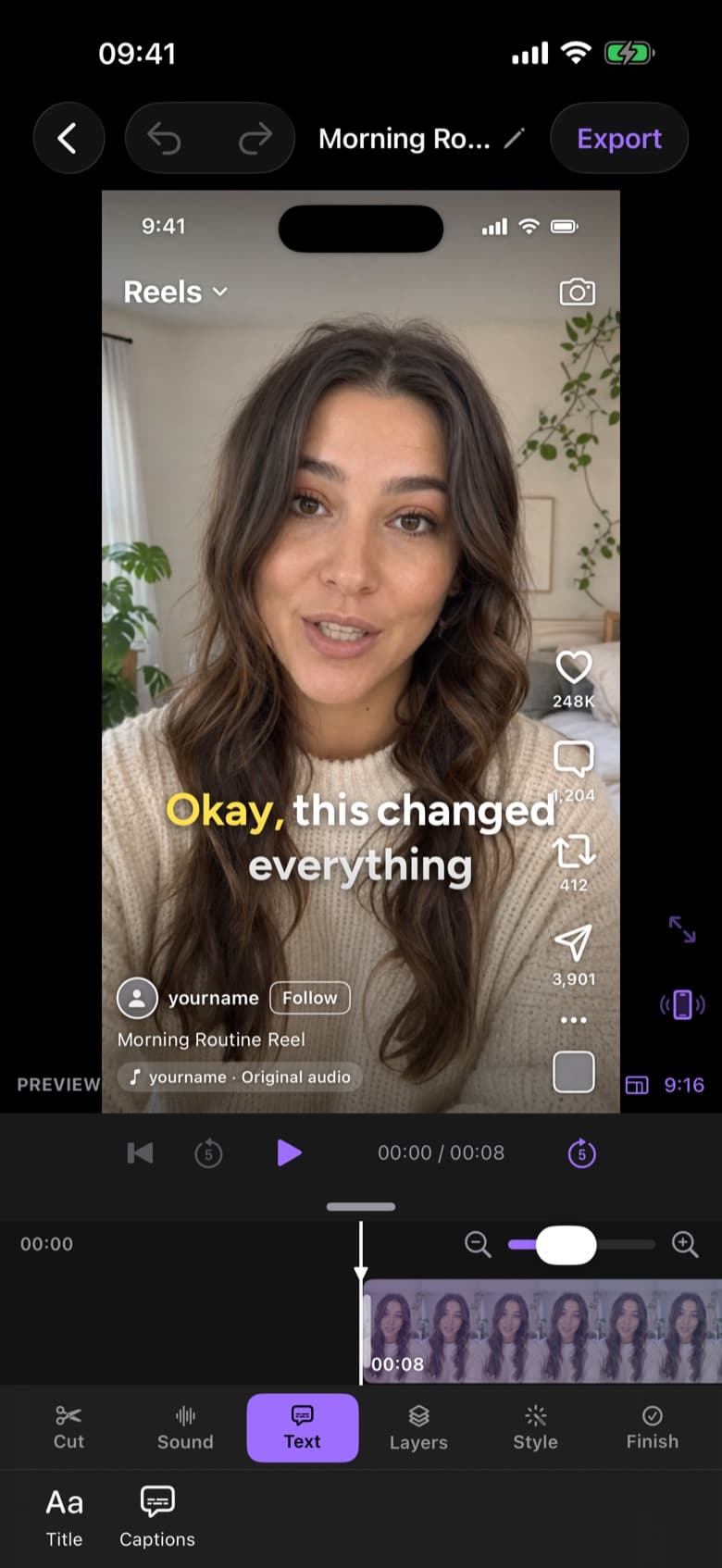
Typing and timing captions can take as long as the edit itself. Auto captions timed to every word take seconds; you only need to fix names and slang.
7. Decide your house style once
Pick your caption style, colours and music level once and reuse them on every video. Every decision you don't remake is time saved, and your channel looks more consistent.
8. Edit on the device you filmed on
Moving footage from your phone to a computer, waiting for imports and sending the export back costs time on every video. If you film on iPhone and post from iPhone, editing there removes the transfer step entirely.
9. Spend polish time where viewers notice
Viewers notice the hook, the pacing and the captions. They rarely notice a perfect colour grade on a talking-head clip. Put your polish time into the first three seconds.
10. Review once, at full speed
Watch the finished cut once, start to finish, the way a viewer would. Fix what bothers you and export. Repeated passes at half speed are where edits quietly double in length.
What this adds up to
Tips 1, 5 and 6 alone remove most of the mechanical work from a talking-head edit. Together they can take a video that used to need up to two hours down to about five minutes of review. Work out your own number with the calculator in how long it takes to edit a video.
FAQ
What is the fastest way to edit a video?
For talking-head videos, the fastest way is to let an AI editor build the rough cut (choosing takes, removing pauses and filler words, adding captions) and then review it. That turns most edits into a few minutes of work.
How can I edit videos faster on iPhone?
Film with clear pauses between retakes, edit in an app that automates the rough cut and captions, and reuse the same caption style and export settings on every video.
Does editing faster hurt quality?
Not if you automate the mechanical steps and keep your attention on the creative ones. Tighter pacing and accurate captions usually help retention.