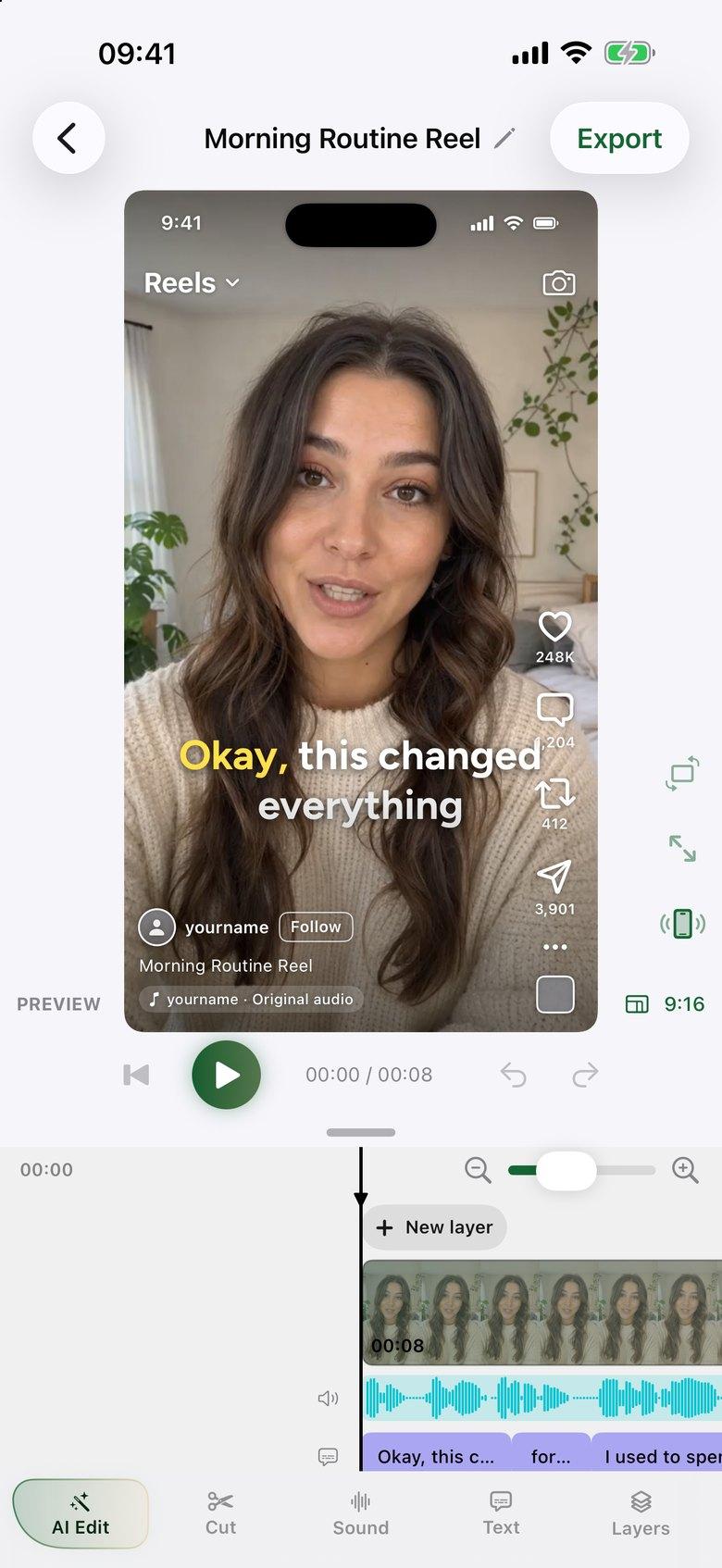
Say it once, messily
Talk through your idea as many times as you need. AI Edit keeps your best delivery of each line and removes filler words and long pauses.
 ByeCut
5.0Rating on
App Store
For LinkedIn
Founders and professionals have plenty to say and little time to edit. Record a point on your iPhone or Android phone, and ByeCut turns it into a tight, captioned video for your feed.


iPhone & Android · Free editor
7 days free on every plan
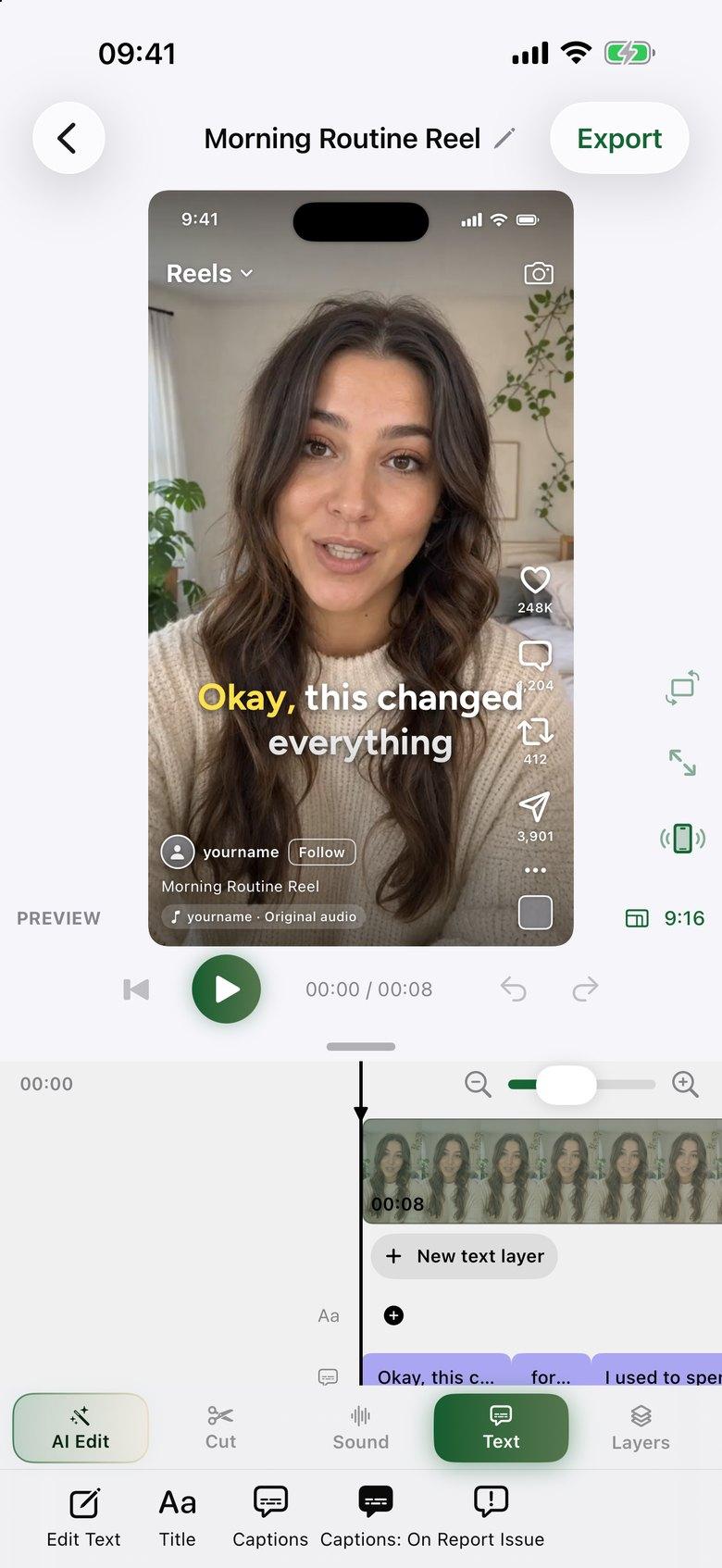
Talk through your idea as many times as you need. AI Edit keeps your best delivery of each line and removes filler words and long pauses.
Add word-by-word captions in one tap, then choose a cleaner preset and fix any word by hand.
Use a 1:1, 4:5, 9:16 or 16:9 canvas, then export up to 4K with no watermark and upload it to LinkedIn.
Film yourself, import the clip into ByeCut and tap AI Edit. Add captions, choose a 1:1 or 4:5 canvas, save it to your phone and upload it to LinkedIn.
Not directly. Direct sharing covers TikTok, Instagram and YouTube Shorts. For LinkedIn, save the video to your phone and upload it.
Square and 4:5 videos fill more of a mobile feed. ByeCut supports both, along with 9:16 and 16:9.
Coaches and consultants: film one messy take and let ByeCut cut the pauses and retakes and add captions, so posting expert videos takes minutes, not evenings.
The fastest way to edit talking-head videos on iPhone or Android. ByeCut's AI builds your rough cut from every take, removes mistakes and silences, and adds captions.
Film offers, tips and product intros on iPhone or Android. ByeCut cuts the mistakes, adds captions and exports for every platform, with no editor to hire.
Your next video is already sitting in your camera roll. Drop it into ByeCut and get a clean, captioned cut back in minutes. Every plan starts with a 7-day free trial.
5.0Rating on
App Store
5.0Rating on the
App Store
Free download · No watermark · iPhone, iPad & Android
 ByeCut: AI Video EditorEdit in minutes · Free downloadDownload