ByeCut
How to edit UGC videos fast (without missing a line of the brief)
Brands pay for delivery, not editing hours. A workflow for turning a script and a pile of takes into finished UGC ads, with hook variations, in minutes.
By the ByeCut team · Updated · 6 min read
UGC creators are usually paid per video, so every hour of editing comes straight out of your hourly rate. A brief with three hooks and a 30-second body can mean dozens of takes and an evening at the timeline. The faster you get from raw footage to a deliverable, the more briefs you can take on.
What brands expect from a UGC edit
- Every line of the script, in order, with nothing missing
- A natural delivery that feels like a real person, not an ad
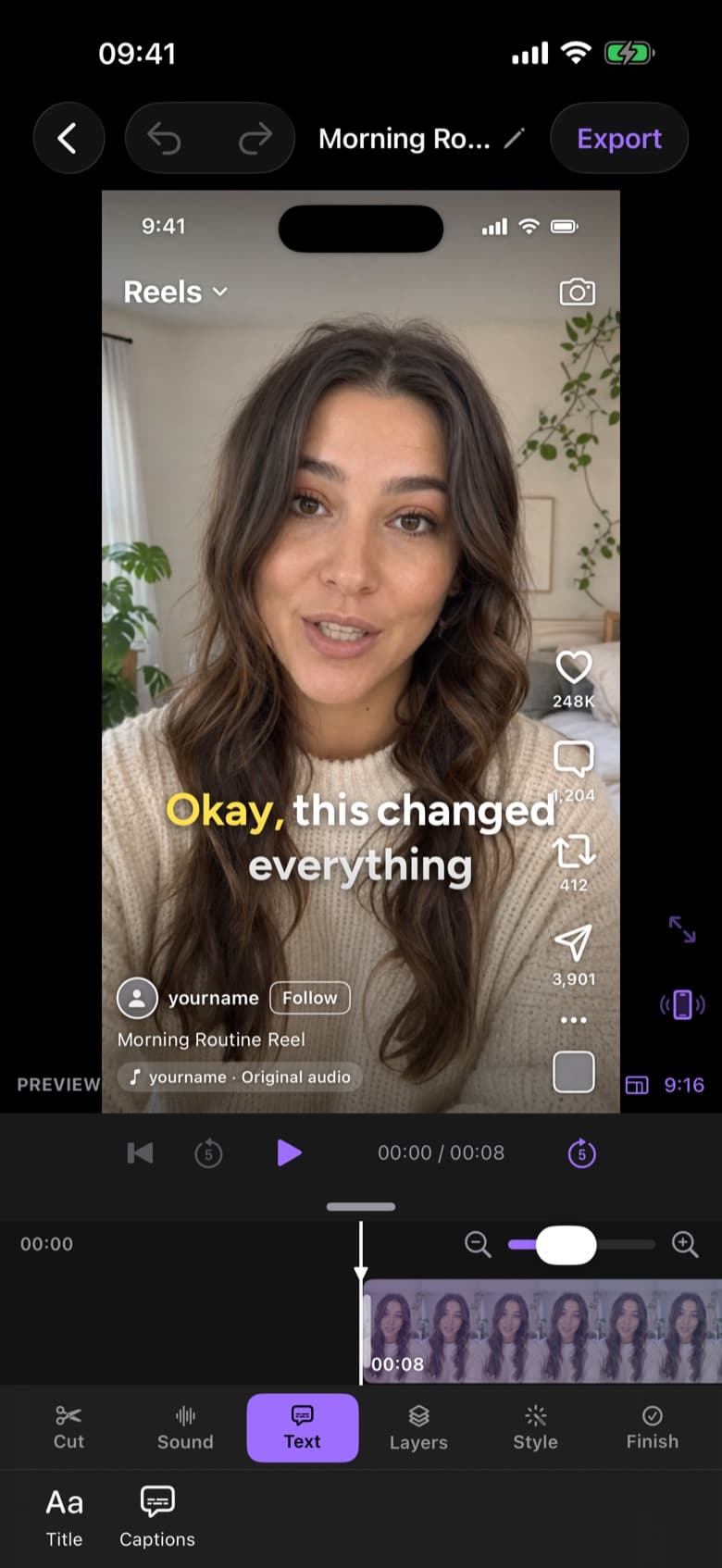
- Captions, because most people watch with the sound off
- Usually 9:16, often with several hook variations to test
- Clean exports with no watermark
Step 1: Film the script line by line
Read the script one line at a time and repeat any line until you're happy with it, pausing for a second between attempts. Record each hook several times with different energy; brands often want to test them against each other.
Step 2: Let the script pick your takes
The slowest part of a UGC edit is checking every take against the brief. Instead, paste the brand's script into an editor with script matching. ByeCut checks each line of the script against your footage and keeps the strongest delivery of every one, so nothing from the brief goes missing.
Step 3: Tighten the pacing
UGC should feel natural, not slow. Remove dead air and filler words automatically, then listen once and keep a breath wherever it helps a line land.
Step 4: Build hook variations
Once the body is done, make a copy for each hook and swap only the first line. Export each version with a clear name, like brand_hookA_v1. Because the body is already edited, every extra hook takes a minute or two instead of a fresh edit.
Step 5: Caption and export
Add word-by-word captions, check that brand and product names are spelled right, and keep text out of the bottom fifth of the frame, where TikTok and Instagram put their interface. Export at 1080 × 1920 or 4K.
How much faster is this?
Checking takes against a brief and cutting them together by hand often takes one to two hours per ad. With script matching, automatic pause removal and auto captions, most of that becomes about five minutes of review per video, which is what lets you say yes to more briefs. See UGC video editing with ByeCut.
FAQ
What app do UGC creators use to edit?
Many UGC creators edit on their phone because that's where they film. Look for an editor that matches takes to a script, removes pauses automatically, captions every word and exports without a watermark.
How long should a UGC video be?
Most UGC ads run 15 to 60 seconds. Follow the brief; when there's no guidance, shorter usually performs better.
How do I deliver multiple hooks?
Edit the body once, then make a copy for each hook and swap only the first line. Export each version with a clear file name.