ByeCut
How to film talking-head videos that are easy to edit
Framing, light, sound and a retake workflow that makes editing dramatically faster, by hand or with AI.
By the ByeCut team · Updated · 6 min read
A talking-head video is you, a camera and something to say. The format is simple, which is why small details (light, sound, framing and how you handle mistakes) make the difference between a video that looks amateur and one that looks intentional.
Framing
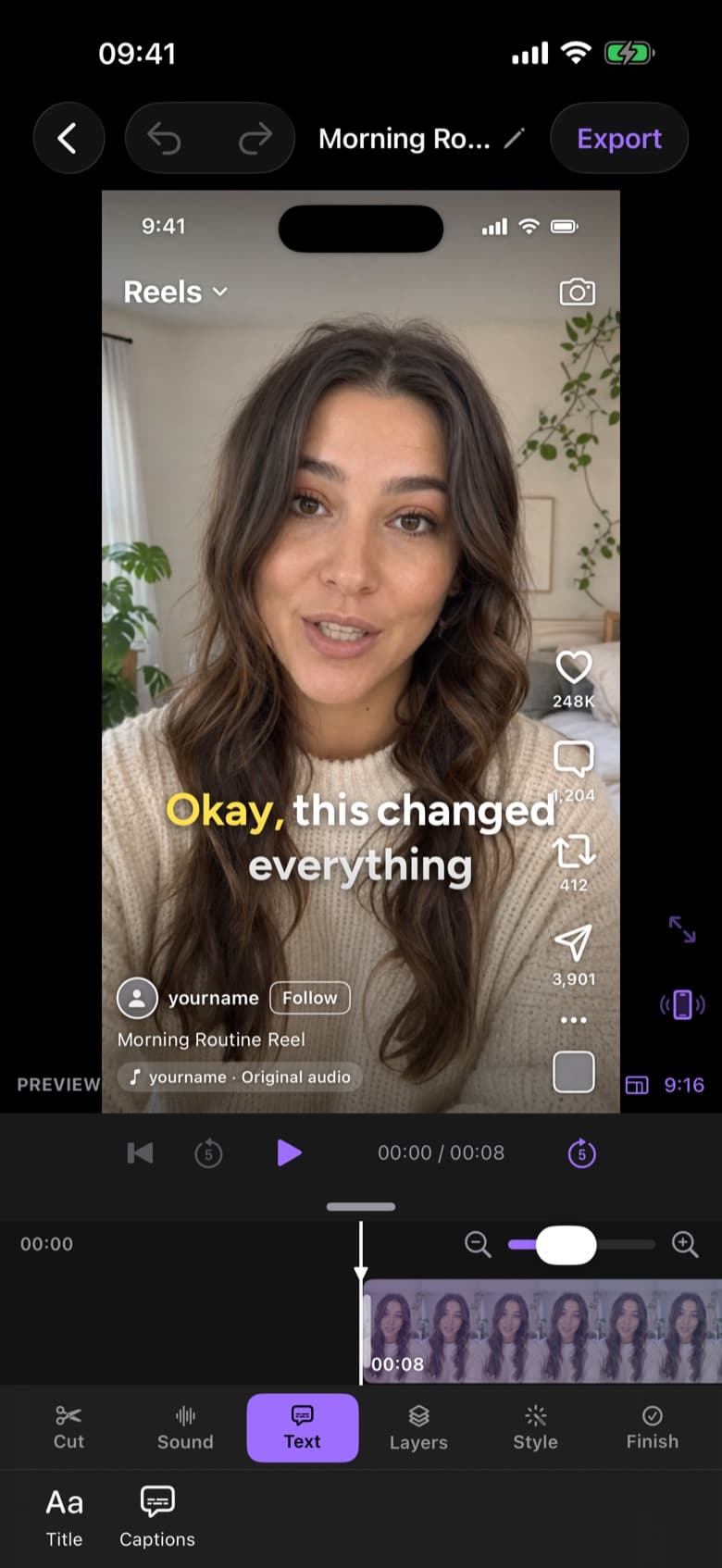
- Film vertically (9:16) if the video is for TikTok, Reels or Shorts.
- Place your eyes about a third of the way down the frame.
- Leave some headroom. Captions and platform UI need space at the bottom.
- Use the rear camera if you can; it's usually sharper than the front one.
Light
Face a window: soft daylight from the front is the most flattering free light there is. Avoid a bright window behind you, which silhouettes your face. At night, one soft lamp in front and slightly to the side works well.
Audio matters more than video
Viewers forgive slightly soft footage; they don't forgive bad audio. Film in a room with soft furnishings, get close to the phone, or use a small wireless mic. Clean audio also makes transcription, and therefore captions and AI editing, more accurate.
The retake workflow
This is where most time is won or lost. Instead of stopping and restarting the recording every time you stumble, keep rolling:
- Say the line.
- If it wasn't right, pause for a second.
- Say the whole line again (not just the last few words).
- Move on once you have a take you like.
This gives you one continuous file with clear boundaries between attempts. An AI editor like ByeCut can then compare the takes of each line and keep the best one automatically. And if you edit by hand, the pauses make the retakes easy to spot on the waveform.
Checklist before you hit record
- Lens wiped clean
- Phone on Do Not Disturb
- Light in front of you, not behind
- Microphone close or connected
- Script or bullet points within view
- Enough storage for a long take